Introduction
Working remotely in 2025 requires more than just a laptop and internet connection—it demands the right productivity tools to stay organized, collaborate effectively, and meet deadlines. This article highlights the top productivity tools for remote work, offering practical tips, mini case studies, and expert recommendations for individuals and distributed teams. You’ll discover tools for project management, communication, time tracking, and workflow optimization, along with embedded YouTube tutorials to help you get started quickly. By leveraging these tools, remote professionals can increase efficiency, reduce stress, and maintain high performance regardless of location.
Why Productivity Tools Matter Now
Remote work is no longer a temporary trend—it’s a permanent part of the modern workforce. Teams are distributed across multiple time zones, and efficient communication, task management, and workflow automation are crucial. Using productivity tools allows professionals to stay aligned, track progress, and collaborate seamlessly, improving both output and job satisfaction.
Top Productivity Tools for Remote Work
Project Management Tools
Trello: Visual boards for task tracking, flexible for individuals and teams
Asana: Task assignments, timelines, and collaboration features
Monday.com: Advanced project planning, reporting, and integrations
Mini Case Study: A marketing team used Trello to manage campaigns across 5 time zones, improving task completion by 30%.
YouTube Embed Suggestion: “How to Use Trello for Remote Teams” – YouTube Link
Communication Tools
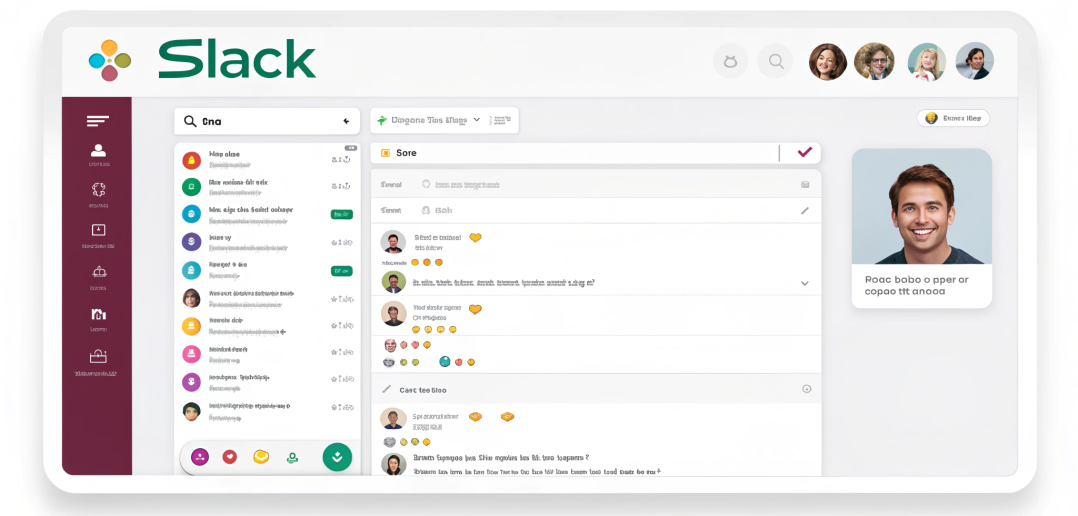
Slack: Real-time messaging, channels, and file sharing
Microsoft Teams: Video conferencing, chat, and integration with Office 365
Zoom: Reliable video calls for meetings and webinars
Example: A software development team used Slack and Zoom for daily stand-ups and sprint planning, enhancing remote collaboration.
Time Management & Tracking
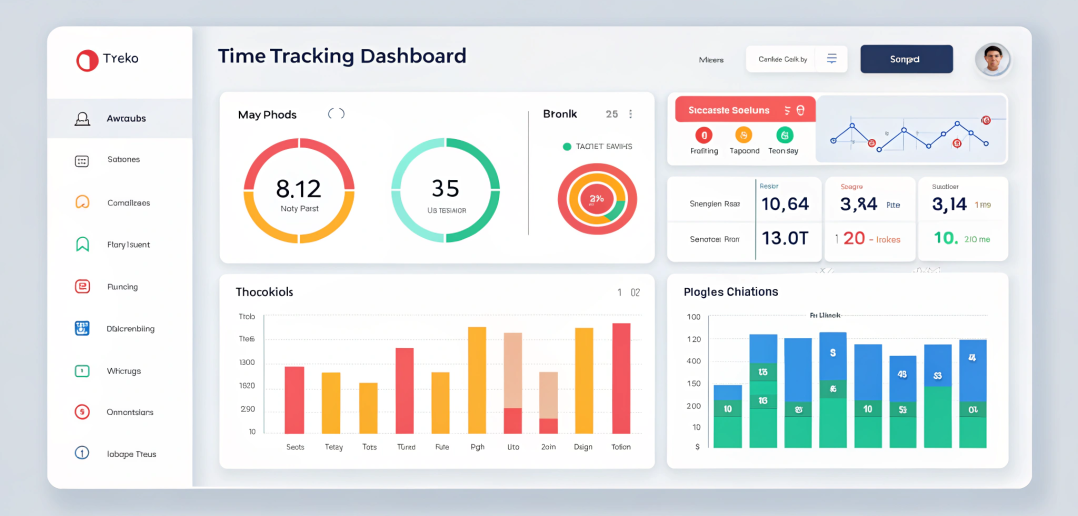
Toggl Track: Track hours spent on projects and tasks
RescueTime: Monitor productivity patterns and optimize focus
Clockify: Timesheets for billing and time tracking
Mini Case Study: Freelance designers increased billable hours by 20% after implementing Toggl to track time across multiple clients.
Workflow & Automation Tools
Zapier: Automate repetitive tasks across apps
IFTTT: Create applets to simplify workflows
Notion: Centralized hub for notes, databases, and project tracking
File Sharing & Collaboration Tools
Google Workspace: Docs, Sheets, Drive, and collaborative editing
Dropbox: Secure file storage and sharing
Miro: Interactive whiteboard for brainstorming and planning
How to Choose the Right Tools
Team Size & Structure: Small teams may prefer simpler tools; larger teams need scalable solutions
Integration Needs: Ensure tools work together seamlessly
Ease of Use: Consider learning curve and adoption rate
Budget: Balance free vs. premium features based on requirements
Common Mistakes & Fixes
| Mistake | Fix |
| Using too many tools | Consolidate to 3–5 core tools |
| Ignoring integrations | Ensure tools sync with each other |
| Not training team | Provide tutorials or onboarding for adoption |
| Over-reliance on email | Use collaborative platforms to reduce inbox clutter |
| Neglecting time tracking | Implement tracking for accountability and insights |
FAQ
Which productivity tools are essential for remote work?
Project management, communication, time tracking, workflow automation, and file sharing tools.
Can free tools be sufficient for small remote teams?
Yes, free versions of Trello, Slack, and Google Workspace often cover basic needs.
How do I choose between multiple tools?
Prioritize based on team size, workflow complexity, and integration requirements.
Are productivity tools necessary for freelancers?
Absolutely, they improve efficiency, time management, and project tracking.
How can automation tools help remote teams?
They save time on repetitive tasks, reduce errors, and streamline workflows.
Can these tools improve team collaboration?
Yes, using integrated tools enhances communication, transparency, and accountability.
Conclusion
Selecting and using the right productivity tools for remote work in 2025 is essential for maintaining efficiency, collaboration, and job satisfaction. By leveraging project management platforms, communication apps, time tracking, automation, and file sharing tools, remote professionals can optimize workflows, save time, and deliver results consistently. Implement these recommendations to enhance your remote work setup and achieve peak productivity.
Internal & External Links
Internal:
Remote Job Search Tips
Work-Life Balance Tips
Optimize LinkedIn for Remote Jobs
External Authority: