Introduction
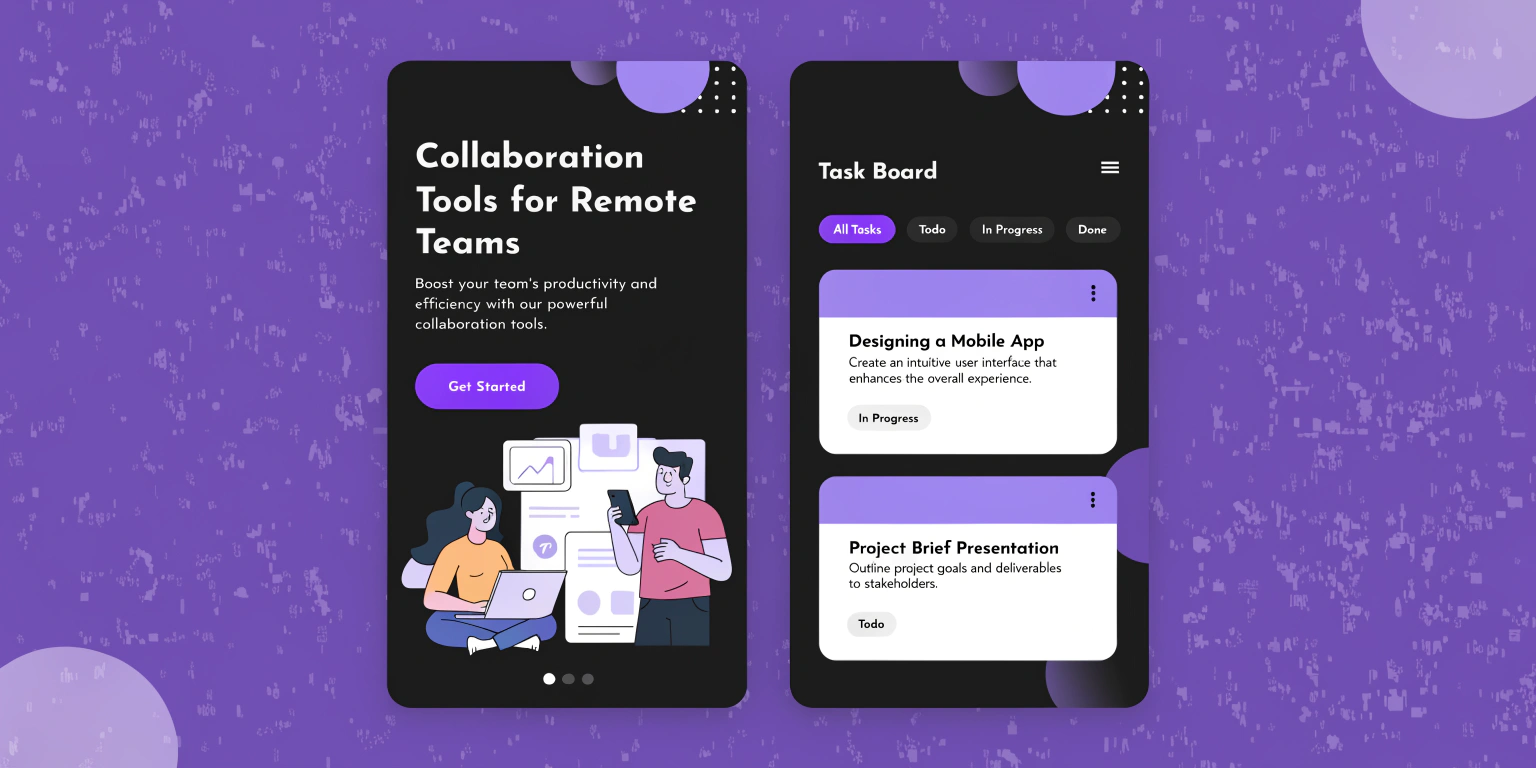
Remote work relies heavily on effective collaboration. In 2025, distributed teams need the right tools to communicate, manage tasks, share knowledge, and maintain productivity. This article highlights the best collaboration tools for remote teams, providing actionable tips, real-world examples, mini case studies, and YouTube tutorials. You’ll learn how to choose tools for communication, project management, file sharing, brainstorming, and workflow automation. By implementing these tools effectively, remote teams can streamline workflows, improve engagement, and achieve business goals without the constraints of a physical office.
Why Collaboration Tools Are Critical Now
With teams working across multiple locations and time zones, asynchronous communication and coordinated workflows are essential. Collaboration tools reduce misunderstandings, improve transparency, and allow teams to maintain high efficiency. They also support team culture, knowledge sharing, and accountability, which are vital in remote settings.
Top Collaboration Tools for Remote Teams
Communication Tools
Slack: Channels, threads, file sharing, integrations
Microsoft Teams: Video calls, chat, Office 365 integration
Zoom: Video conferencing and webinars for team meetings
Mini Case Study: A design agency replaced multiple chat apps with Slack, reducing missed messages by 40% and improving response times.
YouTube Embed Suggestion: “Slack Tips for Remote Team Collaboration” – YouTube Link

Project Management Tools
Asana: Assign tasks, track timelines, and manage dependencies
Trello: Visual boards for task management and prioritization
Monday.com: Advanced reporting, automation, and workflow management
Example: A software development team used Asana to manage sprints across three time zones, improving project delivery by 25%.
File Sharing & Document Collaboration
Google Workspace: Collaborative editing, Drive storage, real-time comments
Dropbox: Cloud storage, file synchronization, and sharing
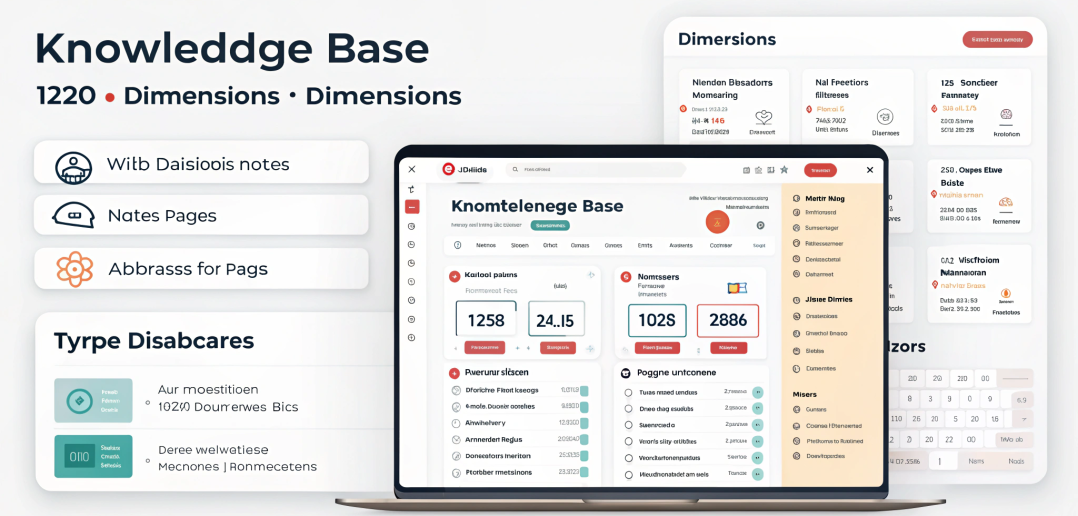
Notion: Knowledge base, docs, databases, and collaborative workspaces
Mini Case Study: Marketing teams used Notion to centralize content calendars, reducing email threads and miscommunication.
Brainstorming & Whiteboarding Tools
Miro: Interactive boards for brainstorming and planning
MURAL: Virtual collaboration for ideation and strategy sessions
Lucidspark: Visual collaboration with sticky notes and diagrams
Tip: Schedule asynchronous brainstorming sessions to accommodate multiple time zones.
Workflow & Automation Tools
Zapier: Automate repetitive processes between apps
IFTTT: Create triggers to simplify remote workflows
ClickUp: Combines project management, docs, goals, and automation
How to Select the Right Tools
Team Size: Smaller teams may prefer simpler solutions; large teams need scalable platforms
Integration: Ensure tools work seamlessly together to prevent workflow bottlenecks
Ease of Use: Low learning curve improves adoption and reduces friction
Security & Compliance: Choose tools with proper data protection, especially for sensitive information
Common Mistakes & Fixes
| Mistake | Fix |
| Using too many tools | Consolidate to essential platforms for clarity |
| Poor onboarding | Train teams with tutorials and documentation |
| Ignoring integrations | Use apps that integrate with existing workflows |
| Over-reliance on email | Leverage chat and project management tools |
| Neglecting time zones | Implement asynchronous collaboration practices |
FAQ
Which collaboration tools are essential for remote teams?
Communication, project management, file sharing, brainstorming, and workflow automation tools.
Can small teams use free collaboration tools effectively?
Yes, tools like Slack, Trello, and Google Workspace often provide sufficient features for small teams.
How do collaboration tools improve productivity?
They centralize communication, reduce misunderstandings, streamline tasks, and improve accountability.
Are whiteboarding tools necessary for remote teams?
For brainstorming, planning, and visual collaboration, yes—they enhance creativity and engagement.
How can teams avoid tool overload?
Consolidate workflows into a few integrated platforms and ensure proper training.
Do these tools support asynchronous collaboration?
Most modern tools, like Slack and Notion, support asynchronous communication and document editing.
Conclusion
Collaboration tools are the backbone of remote team productivity in 2025. By using communication platforms, project management tools, file-sharing solutions, brainstorming boards, and workflow automation, teams can stay aligned, efficient, and engaged. Implement these collaboration tools for remote teams to improve workflow, reduce friction, and achieve business goals while working from anywhere.
Internal & External Links
Internal:
Top Productivity Tools for Remote Work
Remote Job Search Tips
Optimize LinkedIn for Remote Jobs
External Authority: