Introduction
In 2025, remote teams face challenges in coordinating repetitive tasks, maintaining consistency, and optimizing workflows. Workflow automation tools help streamline operations, save time, and reduce human error. This article explores the top workflow automation tools for remote teams, offering practical strategies, mini case studies, and YouTube tutorials for effective implementation. You’ll learn how automation can enhance productivity, integrate with other collaboration tools, and enable teams to focus on high-value work. By adopting these tools strategically, remote teams can improve efficiency, reduce bottlenecks, and maintain smooth operations across different time zones and locations.
Why Workflow Automation Is Essential Now
Remote work involves managing multiple platforms, tasks, and processes simultaneously. Manual execution of repetitive tasks leads to errors, wasted time, and inconsistent workflows. Workflow automation tools allow teams to standardize processes, trigger actions automatically, and integrate apps, enabling smoother collaboration and freeing team members to focus on strategic initiatives.
Top Workflow Automation Tools for Remote Teams
Zapier
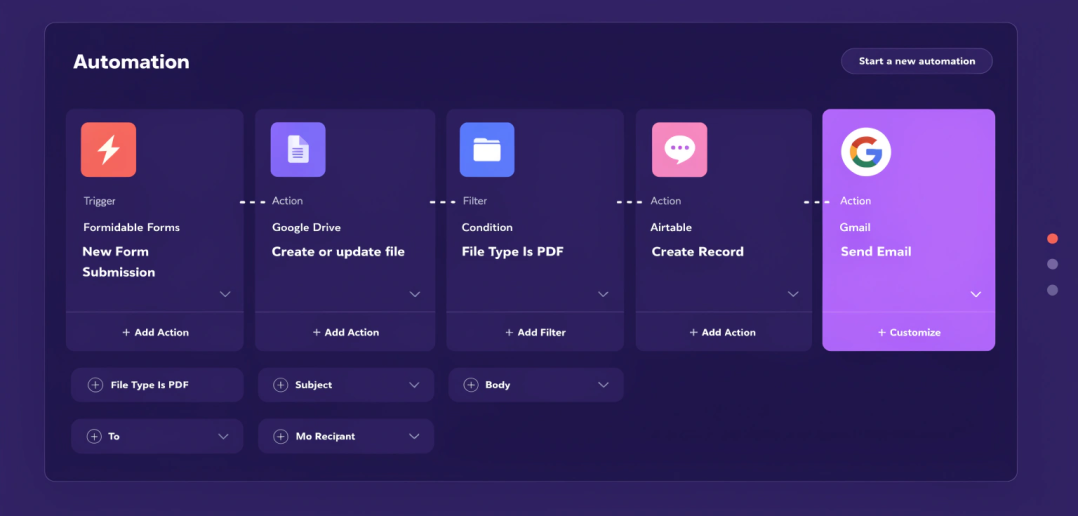
Connects over 5,000 apps to automate workflows
Automate repetitive tasks like email notifications, file transfers, and task creation
Reduces manual work and improves team efficiency
Mini Case Study: A SaaS marketing team used Zapier to automate lead assignment from forms to CRM, reducing manual data entry by 90%.
YouTube Embed Suggestion: “Zapier Tutorial for Remote Teams” – YouTube Link
IFTTT (If This Then That)
Simple automation for triggering actions between apps
Useful for notifications, alerts, and personal workflow optimization
Easy setup for small teams or freelancers
Example: A content team used IFTTT to automatically save social media mentions to a shared Google Sheet for reporting.
Microsoft Power Automate
Enterprise-level automation for Microsoft 365 apps
Automate approval workflows, document routing, and notifications
Ideal for large organizations with integrated Microsoft ecosystems
Mini Case Study: A finance team used Power Automate to automate invoice approvals across multiple departments, reducing turnaround time by 40%.
Integromat / Make
Advanced visual workflow automation with multi-step scenarios
Supports complex integrations between apps
Allows monitoring, error handling, and scheduling
Tip: Use Integromat for automating recurring reports and multi-step data transfers between cloud apps.
ClickUp Automation
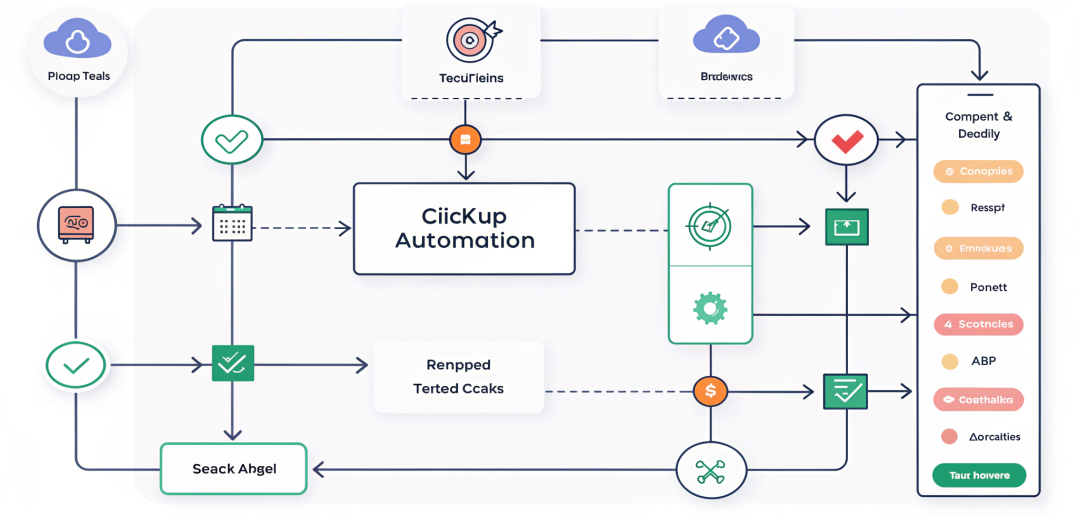
Automate task assignments, status updates, and notifications within ClickUp
Reduces repetitive admin tasks for project managers
Integrates with Slack, email, and calendar for seamless workflow
How to Implement Workflow Automation Effectively
Identify Repetitive Tasks: List manual tasks suitable for automation
Map Processes: Create flowcharts to visualize automation
Test Workflows: Pilot automations with a small team before full rollout
Integrate Tools: Ensure automation works across all apps your team uses
Monitor & Optimize: Track performance and adjust workflows regularly
Common Mistake: Over-automation → Fix: Focus on high-value repetitive tasks to avoid complexity.
Common Mistakes & Fixes
| Mistake | Fix |
| Automating too many processes | Prioritize tasks with high repetition and impact |
| Ignoring error handling | Set notifications and fallback processes |
| Lack of team training | Provide tutorials and onboarding for automated workflows |
| Tool fragmentation | Use compatible tools that integrate with core apps |
| Not monitoring results | Review automated workflows regularly for efficiency improvements |
FAQ
What are the best workflow automation tools for remote teams?
Zapier, IFTTT, Microsoft Power Automate, Integromat (Make), and ClickUp Automation.
Can small teams benefit from workflow automation?
Yes, even small teams can save significant time and reduce errors.
How do workflow automation tools improve productivity?
They automate repetitive tasks, standardize processes, and free team members for strategic work.
Is coding required for these tools?
Most tools like Zapier and IFTTT are no-code; Integromat may require minimal logic setup.
Can automation replace human oversight?
No, automation complements human work; monitoring and decision-making are still required.
How often should automated workflows be reviewed?
Monthly or quarterly to ensure accuracy, efficiency, and relevance.
Conclusion
Adopting workflow automation tools for remote teams is critical in 2025 to save time, reduce errors, and maintain operational efficiency. By strategically implementing Zapier, IFTTT, Power Automate, Integromat, and ClickUp automation, teams can streamline repetitive processes, improve productivity, and focus on high-value tasks. Workflow automation ensures smooth operations, better accountability, and enhanced collaboration across distributed teams.
Internal & External Links
Internal:
Top Productivity Tools for Remote Work
Collaboration Tools for Remote Teams
Remote Project Management Tools
External Authority: